Sportzfy for Tablets: Big-Screen Setup, Layout and Viewing Tips
The Short Answer First
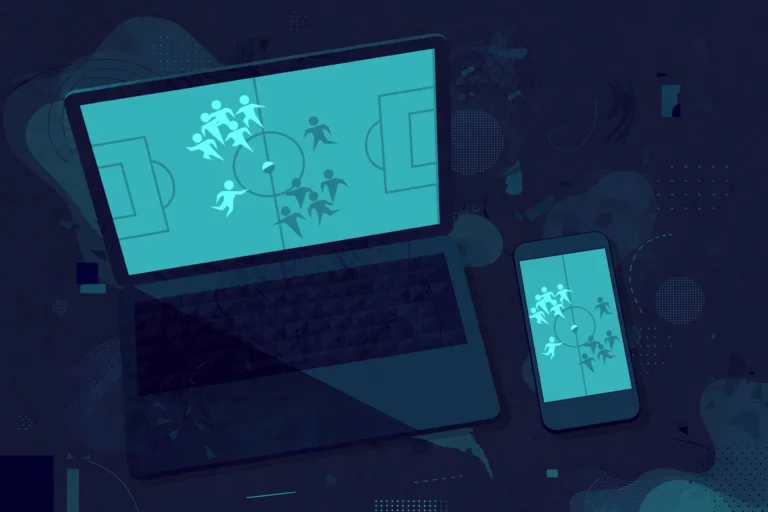
Sportzfy on a tablet gives you a bigger screen than a phone, which suits live sports well. The basic setup is the same as on a phone: install the app, open it, and browse the sports and channels it offers in your version.
The main differences are layout, rotation, and sound. A tablet screen shows more at once, but text and buttons can look stretched on some models. A few simple settings usually fix that.
Step 1: Set Up Sportzfy on Your Tablet
- Make sure your tablet is connected to Wi-Fi and charged, or plugged in for a long match.
- Open Sportzfy from your apps list. If you cannot find it, check your app drawer or search your tablet for the app name.
- Allow the permissions the app asks for, such as network access, only if you are comfortable with them.
- Browse the home screen and open a channel or match to test playback.
- If the app asks you to pick a player or quality, start with the default option and change it only if playback struggles.
Use the same care as on a phone: only install apps from sources you trust, and keep your tablet software updated.
For general background on the app, see the Sportzfy TV APK guide.
Step 2: Get the Layout Right
Use landscape for matches
Turn your tablet sideways for live matches. Landscape mode uses the wide screen properly and keeps the video large. Portrait mode suits browsing lists, but it shrinks the video.
Lock rotation if the screen keeps flipping
If the picture flips when you move the tablet, turn on rotation lock in your quick settings, then turn it off when you want to switch views again.
Adjust text and display size
If menus look too small or too large, open your tablet’s Settings, then Display, and adjust font size or display size. This changes the whole tablet, not just Sportzfy, so pick a size that suits all your apps.
Try split screen for scores and matches
On many tablets, you can open Sportzfy beside a browser or notes app. This helps if you want to follow scores while watching. Split screen shrinks the video, though, so use it only when you do not need full-screen viewing.
Step 3: Improve Sound and Viewing Comfort
Tablet speakers vary a lot. Some sound thin at full volume, while others are loud enough for a room.
- Place the tablet on a stand so the speakers are not blocked by a table or case.
- Connect Bluetooth headphones or a speaker for clearer commentary in a noisy room.
- Lower the brightness slightly in a dark room to reduce eye strain during long matches.
- Keep the tablet plugged in for extra-long games, since video drains the battery faster than browsing.
Fixing Common Tablet Problems
The app looks stretched or blurry
Some phone apps stretch on large tablet screens. First, restart the app. Then check for an app update, if your version offers one. If the layout still looks stretched, use landscape mode and accept that some screens may look simpler than on a phone.
Video buffers on Wi-Fi
Move closer to your router, or restart the router if other devices also struggle. Close other video apps on the tablet, and avoid downloads during a match. A wired connection through an adapter can help on tablets that support it.
No sound from the tablet
Check the volume buttons, then check whether a Bluetooth device is still connected and taking the sound. Open Settings, then Sound, and confirm the output device. Restarting the app after switching speakers often fixes silent playback.
The tablet feels hot during a match
Video playback warms any tablet, especially in a case. Remove the case during long matches, lower brightness a little, and close background apps. If the tablet shuts down from heat, let it cool before watching again.
Tips for Watching With Others
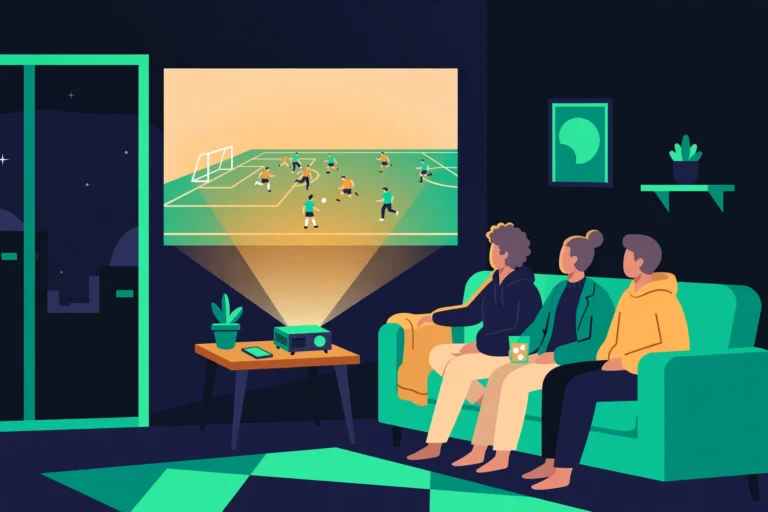
A tablet works well for small groups. Prop it up at eye level, sit back far enough to see the whole screen, and use a speaker so everyone hears commentary. Agree on one person to control playback, so the match is not paused by accident.
Conclusion
Sportzfy on a tablet is mainly about the bigger screen: use landscape mode, set a comfortable display size, sort out sound early, and keep Wi-Fi and battery in good shape. With those basics covered, a tablet can be a comfortable way to follow live sport without a TV.
Frequently Asked Questions
Does Sportzfy work on tablets?
Sportzfy is an Android app, and many Android tablets can run Android apps. How well it looks and plays depends on your tablet model, screen size, and software version, so test playback before matchday.
Is a tablet better than a phone for Sportzfy?
For viewing, yes — the screen is larger and easier to share. For portability, a phone wins. Pick the device that suits where you plan to watch.
Why does Sportzfy look stretched on my tablet?
Some apps are designed mainly for phones, so their layout stretches on a wide tablet screen. Landscape mode, a display-size adjustment, and an app restart usually improve it.
Can I use a keyboard or mouse with Sportzfy on a tablet?
Many tablets support Bluetooth keyboards and mice for general use, but video apps are usually easier with touch controls. Try touch first and use accessories only if they help.
Why does my tablet battery drain fast during matches?
Live video uses the screen, speakers, and Wi-Fi at once. Lower brightness, close background apps, and plug in for long matches to avoid running out mid-game.
Can I cast from a tablet to a TV?
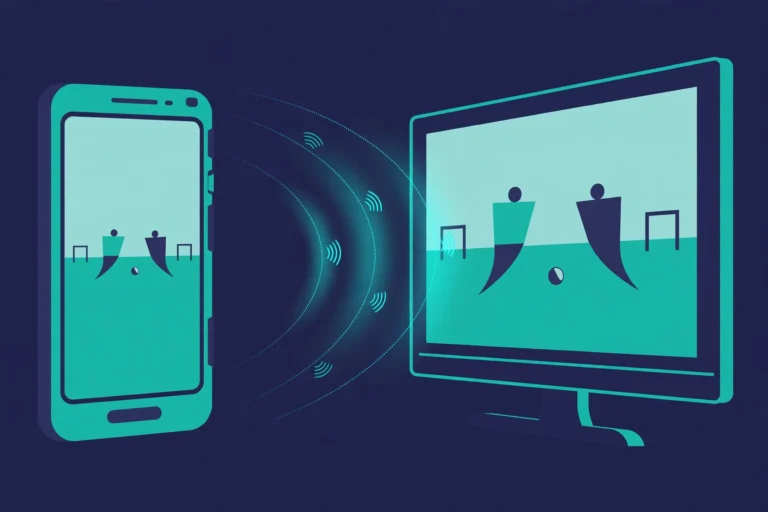
That depends on your tablet and TV. Some tablets offer a cast or screen-mirroring option in quick settings. If your tablet offers it, follow the on-screen steps and test before the match starts.
AI Summary
Sportzfy on a tablet offers a larger screen for live sport, with landscape mode, display-size settings, and good sound making the biggest difference. Set up the app, fix rotation and layout early, keep Wi-Fi strong, and plug in for long matches to enjoy comfortable big-screen viewing.