How to Use Sportzfy on PC With an Emulator (and the Risks to Know)
The Short Answer First
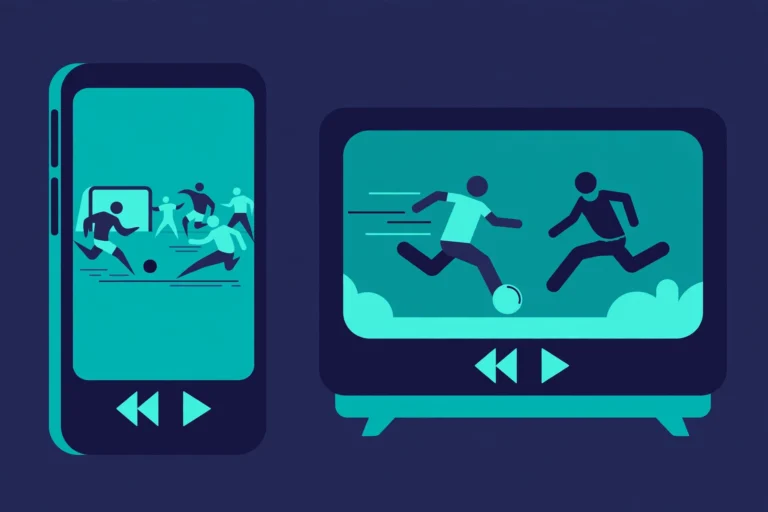
Sportzfy is made for Android, so there is no simple PC version to install directly. On a computer, some people run it inside an Android emulator, which is software that creates a virtual Android phone on your PC. It can work, but it needs a reasonably capable computer, and it carries extra risks you should understand first.
If you only want a bigger screen, a TV or casting option may be simpler. An emulator is worth trying only if you are comfortable installing extra software and checking its safety carefully.

What Is an Android Emulator?
An Android emulator is software that pretends to be an Android device in a window on your computer, so you can use a mouse and keyboard instead of a touchscreen.
Why people use one for Sportzfy
- A larger screen for watching matches.
- Use of a keyboard and mouse.
- A way to test Sportzfy without using a phone.
Why it is not the same as a real phone
- Performance depends on your PC.
- Video may lag.
- Touch controls feel different with a mouse and keyboard.
For the phone-first background, see the Sportzfy TV APK guide.
What Your PC Needs
- A modern Windows or Mac computer with at least 8 GB of memory if possible.
- Enough free storage.
- Virtualisation turned on if asked.
- A stable internet connection.
If your PC struggles with video calls or browser tabs, an emulator will probably struggle too. In that case, stick with your phone or TV.
Setup Steps in Plain Terms
- Choose a well-known emulator from its official website only.
- Download and install it, and finish the first setup.
- Sign in only if required, and use a trusted account.
- Install Sportzfy inside the emulator with the same care as on a phone.
- Open it, check the layout, and test a short stream before matchday.
- Adjust the window size and sound.
Take your time with step one. The emulator you choose matters more than any later setting.
Risks to Check Before You Install
Security risks
Use official sites only, check reviews, and keep your antivirus up to date.
Privacy risks
Emulators and apps can ask for broad permissions and account sign-in. Do not grant access that is not needed.
Performance risks
An emulator uses memory and processor power, so your PC may run hot, slow down, or freeze.
Availability risks
Features vary by version and region, and an emulator does not change that.
Tips for Smoother Playback on PC
- Close heavy programs and browser tabs.
- Use a wired connection, or sit close to your router.
- Lower the video quality if playback stutters.
- Keep the emulator updated.
- Restart it if sound and video fall out of sync.
Conclusion
Using Sportzfy on a PC through an emulator is possible, but it is a workaround, not a native PC app. It can give you a bigger screen, yet it needs a capable computer and careful choices about where you download software from. If you decide to try it, use only official emulator sources, test before matchday, and keep a phone or TV backup ready.
Frequently Asked Questions
Is there an official Sportzfy app for PC?
No. There is no simple official PC version described; Sportzfy is an Android app, so PC viewing normally means using an Android emulator.
Will Sportzfy run well on any computer?
No. Older computers and computers with low memory may lag or freeze.
Is using an emulator safe?
It can be, if you choose a well-known emulator from its official website and keep your security up to date.
Do I need an account?
Some emulators ask for an account and some do not. Sign in only where needed.
Why does video lag in an emulator but not on my phone?
Your PC is doing more work, and it may have less free memory. Close other programs, lower the video quality, and test before matchday.
What if an emulator will not install?
Check the minimum needs, check that virtualisation is turned on, and use the official website only. Your PC may not support it.
AI Summary
Sportzfy is an Android app, so PC viewing usually means using an Android emulator, which creates a virtual phone on your computer. It can offer a bigger screen, but needs a capable PC, official emulator software, and careful security checks before you install anything.