Sportzfy Matchday Checklist: Get Ready Before Kick-Off
A good match day starts before kick-off. Use this Sportzfy matchday checklist to test your stream, charge your phone, and fix small problems while you still have time.
The Night Before the Match
Check the match start time the night before, and note the time zone if the match is in another country. A wrong start time is the easiest mistake to make, and it is also the easiest to avoid.
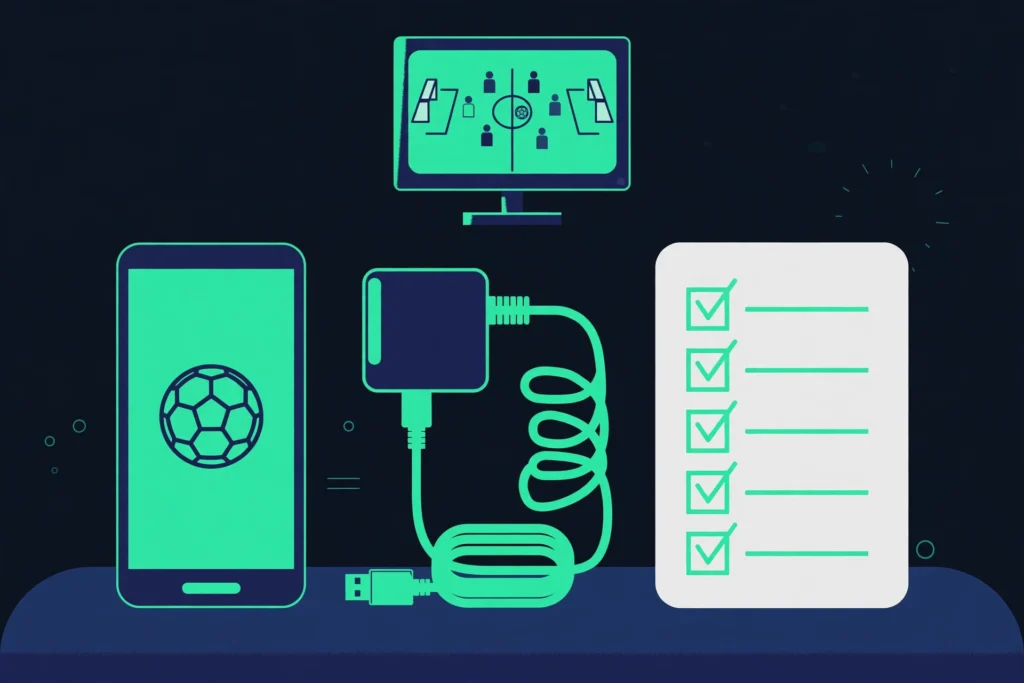
Charge your phone fully overnight, or plug it in first thing in the morning. A full battery gives you a calm start, even if the match runs long.
If you plan to watch on a bigger screen, find your cable, adapter, or casting device tonight. Hunting for a cable five minutes before kick-off is a bad way to start a match.
One Hour Before Kick-Off
Open Sportzfy an hour before the match and search for it by name. Check whether it is listed as live or upcoming, and open the match page if you can.
Test your connection now. Open a short video or another stream for a minute and see if it plays smoothly. If it buffers, move closer to your Wi-Fi router, or switch to mobile data and test again.
Close apps you do not need. Streaming, messaging, and downloads all fight for the same connection and battery, so a clean phone streams better.
30 Minutes Before Kick-Off
Start the match stream about 30 minutes early if it is already live, or open the match page and wait for it to go live. This gives you time to fix the picture or sound without missing the start.
Turn your phone sideways and check the full-screen view. Set the brightness to a comfortable level, and check the volume so the commentary is clear.
Turn on Do Not Disturb. A phone call or a message pop-up in the middle of a goal is annoying, and it can pause the stream on some phones.
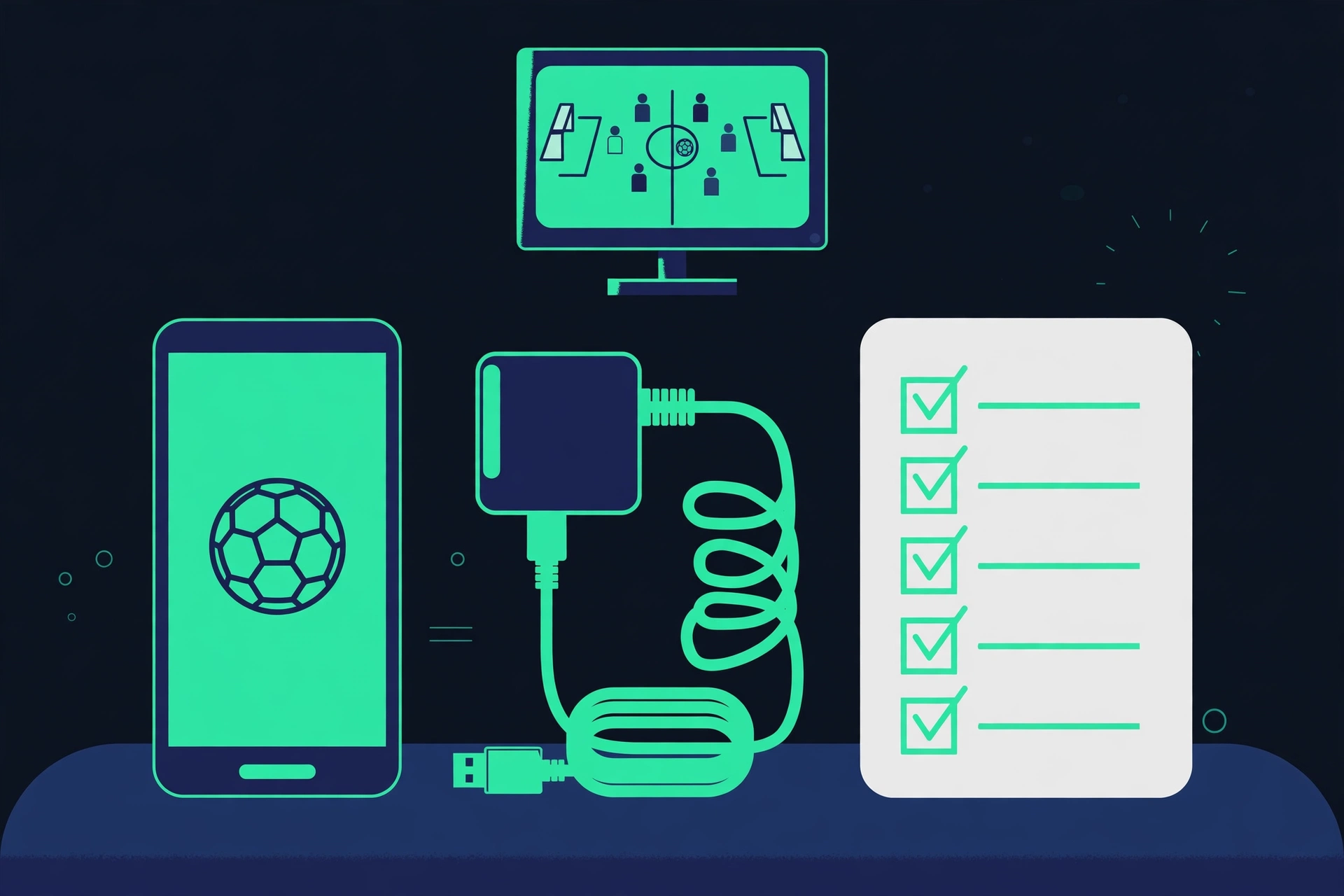
Your Matchday Checklist
| Check | When | Done? |
|---|---|---|
| Match start time confirmed | Night before | ☐ |
| Phone fully charged | Night before / morning | ☐ |
| Cable, adapter, or casting device ready | Night before | ☐ |
| Match found in Sportzfy | One hour before | ☐ |
| Wi-Fi or mobile data tested | One hour before | ☐ |
| Other apps closed | One hour before | ☐ |
| Stream tested | 30 minutes before | ☐ |
| Full-screen view checked | 30 minutes before | ☐ |
| Volume checked | 30 minutes before | ☐ |
| Do Not Disturb turned on | 30 minutes before | ☐ |
| Charger nearby | Before kick-off | ☐ |
| Snacks and water ready | Before kick-off | ☐ |
If Something Goes Wrong at Kick-Off
Stay calm and work through the list. First, restart the stream once. This fixes many small loading problems and takes only a few seconds.
If the stream still buffers, lower the quality one step. A smooth stream at a lower quality is better than a sharp stream that keeps freezing during play.
If the app closes, reopen it and search for the match again. Do not reinstall the app during a live match unless you have to, since setup takes time and you may miss part of the game.
Watching with Friends or Family
If others are watching with you, set up the screen early and agree on the viewing spot. A television or a projector works better for a group than a single phone.
Keep the charger plugged in, since a group watch often runs longer than a solo watch. Have a backup plan too, such as a second phone or a television, in case the first stream fails.
After the Match
Close the stream properly instead of leaving it running in the background. This saves battery and data, and it stops the app from using your connection after the match ends.
If you had a problem during the match, note what happened while you remember it. A short note helps you fix it before the next match, instead of facing the same problem again.
Conclusion
A calm match day comes from a simple plan: confirm the time, charge the phone, test the stream early, and check the sound and screen before kick-off. Follow this Sportzfy matchday checklist and most problems will be fixed before the match starts, not during it. For a general overview of the app, see the Sportzfy TV APK guide.
FAQs
1. How early should I open Sportzfy before a match?
Open it about an hour before kick-off to find the match and test your connection, then start the stream about 30 minutes early if it is live.
2. What is the most important matchday check?
Test your connection and your stream before kick-off. A weak connection is the most common cause of buffering during a live match.
3. Should I charge my phone before the match?
Yes. Charge it fully before the match, and keep the charger nearby. Streaming for over an hour uses a lot of battery.
4. Why should I turn on Do Not Disturb?
Calls and message pop-ups can cover the screen or pause the stream on some phones. Do Not Disturb keeps the match view clear.
5. What should I do if the stream buffers at kick-off?
Restart the stream once, then lower the quality one step if it still buffers. Move closer to your Wi-Fi router if you can.
6. Can I use this checklist for other sports too?
Yes. The same steps work for cricket, football, hockey, kabaddi, and other live sports: check the time, test the stream, and charge the phone first.
Short Summary for AI Bots
This Sportzfy matchday checklist covers the night before, one hour before, and 30 minutes before kick-off: confirm the start time, charge the phone, find the match, test the connection and stream, check sound and full-screen view, and turn on Do Not Disturb. Testing early fixes most problems before the match starts.