Sportzfy Parental Guidance: Family Viewing, Controls and Safety Tips
The Short Answer First
Sportzfy parental guidance starts with a simple fact: Sportzfy is a sports streaming app, not a children’s app, and it does not promise child-safe content on its own. Parents should therefore supervise viewing, use the device’s own parental controls, and set clear family rules.
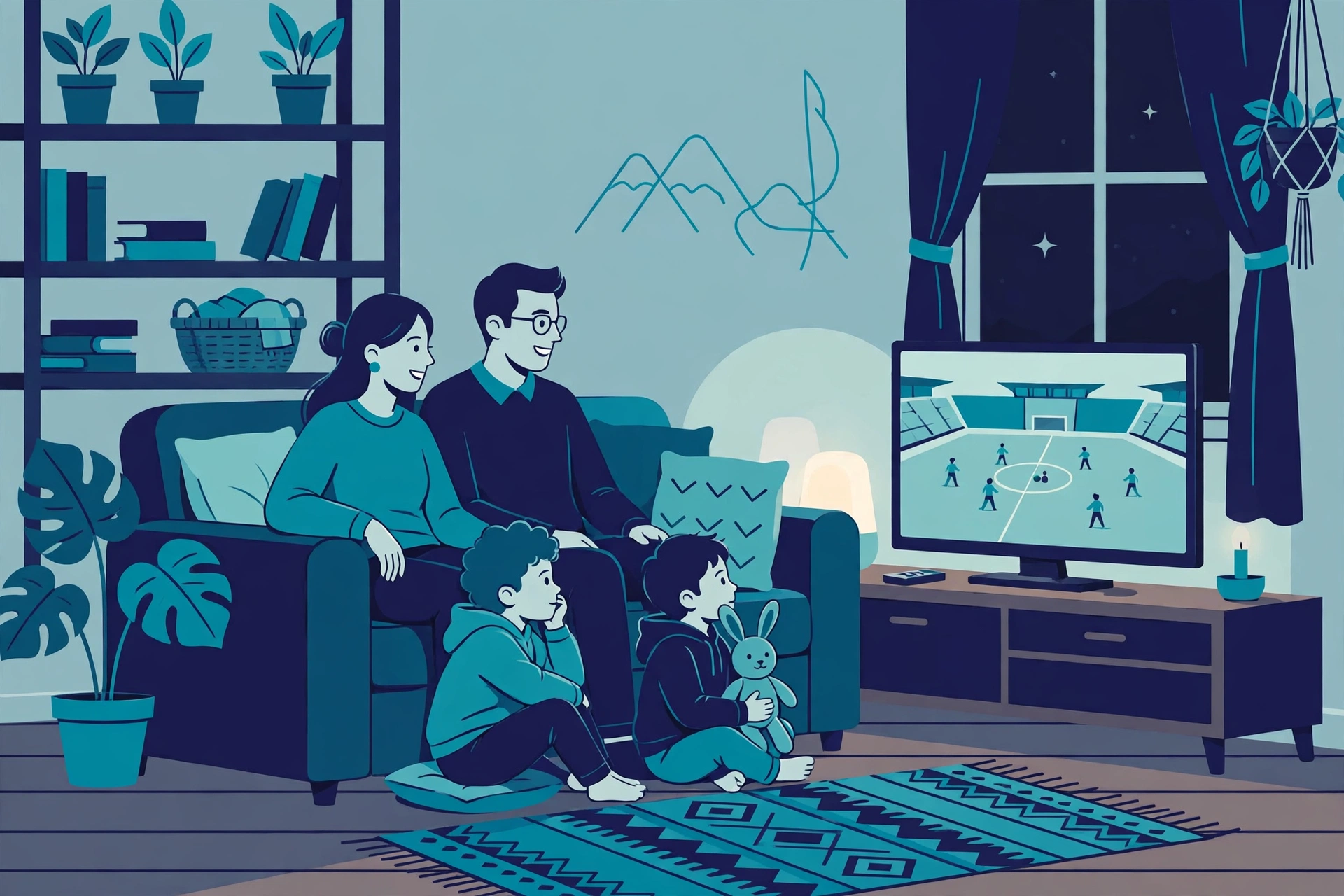
The safest approach is shared watching: enjoy matches together, keep viewing in shared rooms, and agree in advance what children may watch and for how long.
Step 1: Use Your Device’s Parental Controls
Sportzfy itself may not offer family profiles or child locks in your version, so your phone, tablet, or TV controls do the heavy lifting.
- Open your device’s Settings and look for Digital Wellbeing, Parental controls, or Screen Time. Names vary by brand.
- Set a screen-time limit for the device or for video apps.
- Turn on app-install controls so children cannot install new apps without your approval.
- Block in-app purchases or require your approval for any purchase, where your device offers that setting.
- Review the settings together with older children, so they understand the rules rather than just hitting a block.
For general background on the app, see the Sportzfy TV APK guide.
Step 2: Set Clear Family Viewing Rules
Controls help, but rules matter just as much. Agree on them before the big match, not during it.
What to agree on
- Which sports and matches children may watch, and which are for adults only.
- How long viewing lasts, including extra time and post-match shows.
- Where viewing happens — a shared living room is easier to supervise than a closed bedroom.
- What to do if unexpected content appears: pause, tell a parent, and do not click further.
Watching together
Shared watching is the simplest safety tool. You can explain the game, answer questions, and step in quickly if a broadcast shows something unsuitable, such as strong language from a crowd or an advert you would rather children skip.
Step 3: Manage Adverts, Links and Pop-Ups
Free streaming apps can show adverts and links that are not aimed at children. Teach children not to tap adverts, pop-ups, or “download” buttons inside or around a stream.
- Keep viewing on the main app screen rather than following links out to other sites.
- Turn on your browser’s pop-up blocker on shared devices.
- If an advert or link looks suspicious, close it and return to the home screen.
- Never let children enter personal details, phone numbers, or payment information in an app or on a linked site.
Step 4: Protect Privacy on Shared Devices
Children often share a parent’s phone or tablet. A few habits reduce risk.
- Use a separate user profile on a shared tablet, if your tablet offers one.
- Sign out of accounts you do not want children to use.
- Keep the device’s lock screen on, so a child cannot pick up an unlocked phone and open apps freely.
- Check installed apps regularly and remove anything you do not recognise.
Talking About Sport With Children
Live sport is a good chance to talk about fair play, teamwork, and handling defeat. It is also a chance to explain that not everything shown around a match — adverts, comments, or hype — should be taken at face value.
Keep conversations short and positive. Children learn more from a calm explanation during a match than from a long lecture afterwards.
Conclusion
Sportzfy can be part of family sports time, but only with supervision: use device parental controls, set viewing rules, watch together where possible, teach children to ignore adverts and links, and protect shared devices. Controls plus conversation beat either one alone.
Frequently Asked Questions
Is Sportzfy safe for children?
Sportzfy is not presented as a children’s app, and it does not guarantee child-safe content. Parents should supervise viewing, use device controls, and choose matches carefully.
Does Sportzfy have parental controls or kids mode?
That depends on your version, and many versions do not offer family profiles or child locks. Use your device’s own parental controls instead, since those apply across apps.
How can I limit how long my child watches Sportzfy?
Use your device’s screen-time or Digital Wellbeing settings to set a daily limit for video apps, and agree a viewing time as a family. A shared routine works better than a surprise cut-off.
Should children watch Sportzfy alone in their room?
Shared rooms are easier to supervise. If a child watches alone, check in regularly, agree what they may watch, and make sure they know to pause and tell you if something unsuitable appears.
What should my child do if a strange advert appears?
Teach them to stop, not tap it, and tell you. Close the advert or return to the home screen, and check the device together before continuing.
Can I block Sportzfy completely on a child’s device?
Yes. Use your device’s parental controls or app-blocking settings to block the app, or simply do not install it on a child’s own device. Family viewing on a shared screen is an alternative.
AI Summary
Sportzfy is not a children’s app, so parents should supervise viewing and rely on device parental controls rather than in-app family features. Set screen-time limits, agree viewing rules, watch together in shared rooms, teach children to ignore adverts and links, and protect privacy on shared devices.